


SPD Status Indicator Turns Red: Surge Event or End of Service Life?
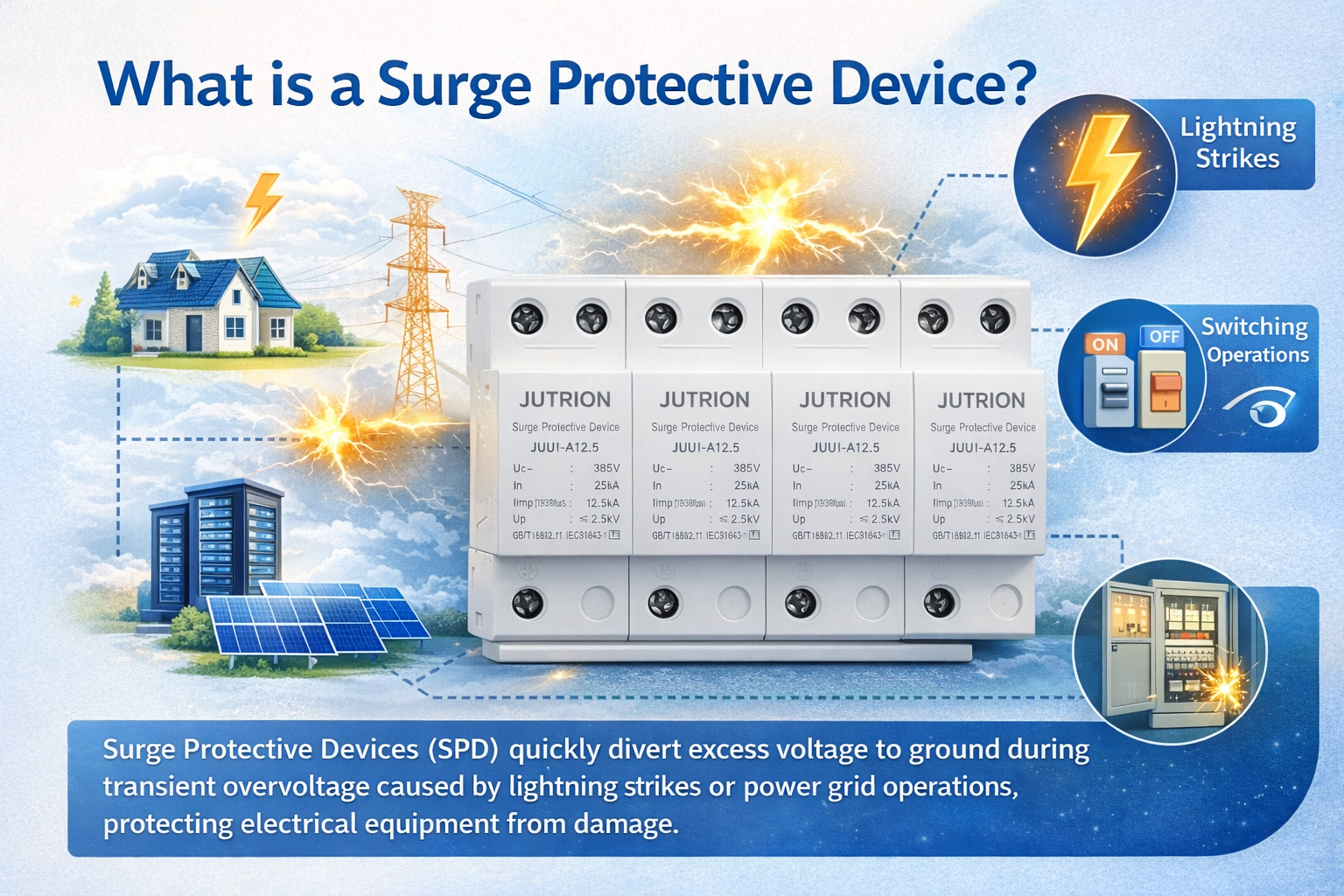
Surge Protective Devices, also known as SPDs, have become important components in modern industrial power distribution systems. They are designed to discharge transient overvoltage and divert surge current safely to earth during lightning strikes, switching operations, grid disturbances, or other surge events.
SPDs are widely used in industrial distribution cabinets, automation control panels, building power distribution systems, and renewable energy applications. They help protect electrical equipment, control systems, instruments, and other sensitive devices from damage caused by overvoltage.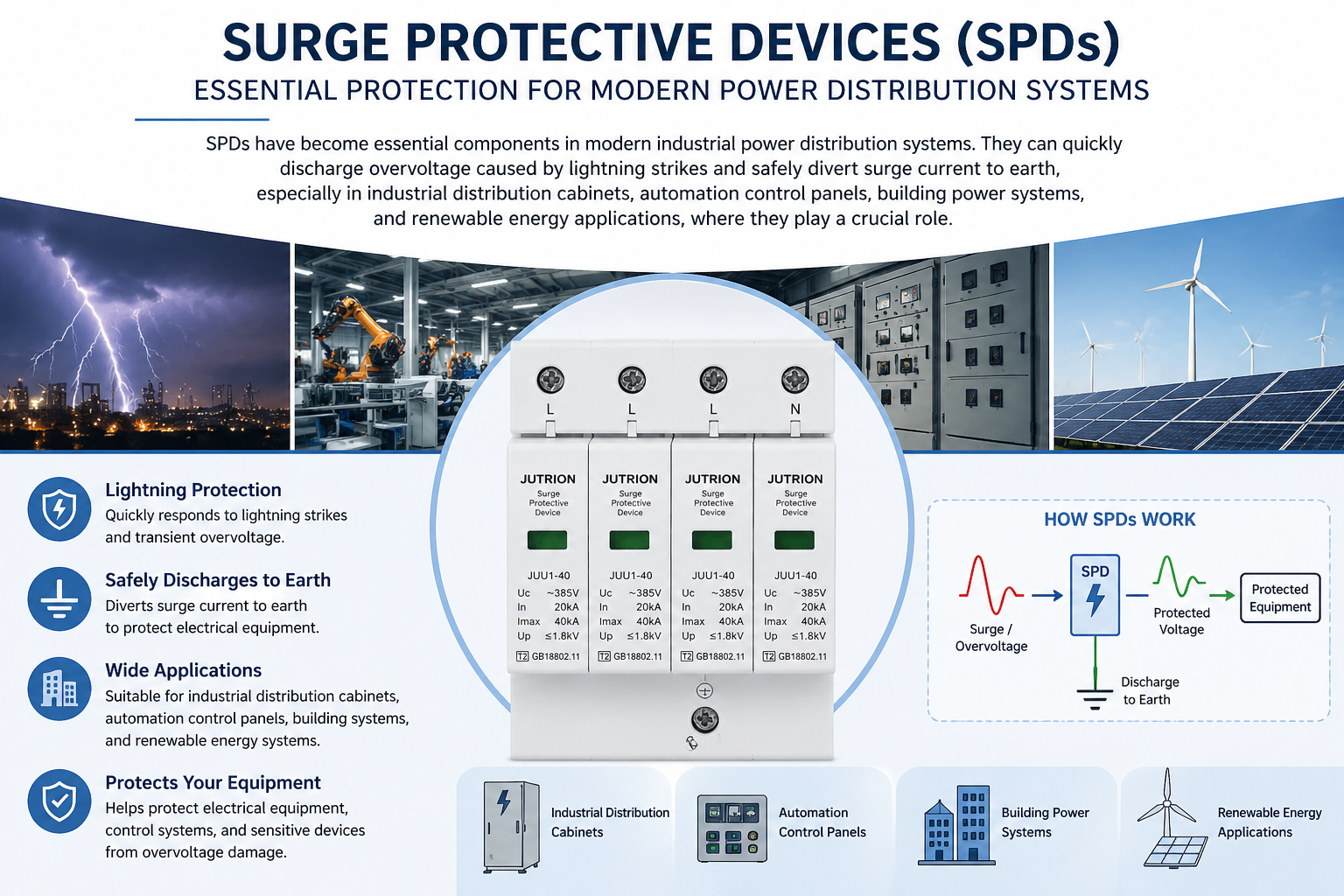
What Does the SPD Status Indicator Mean?
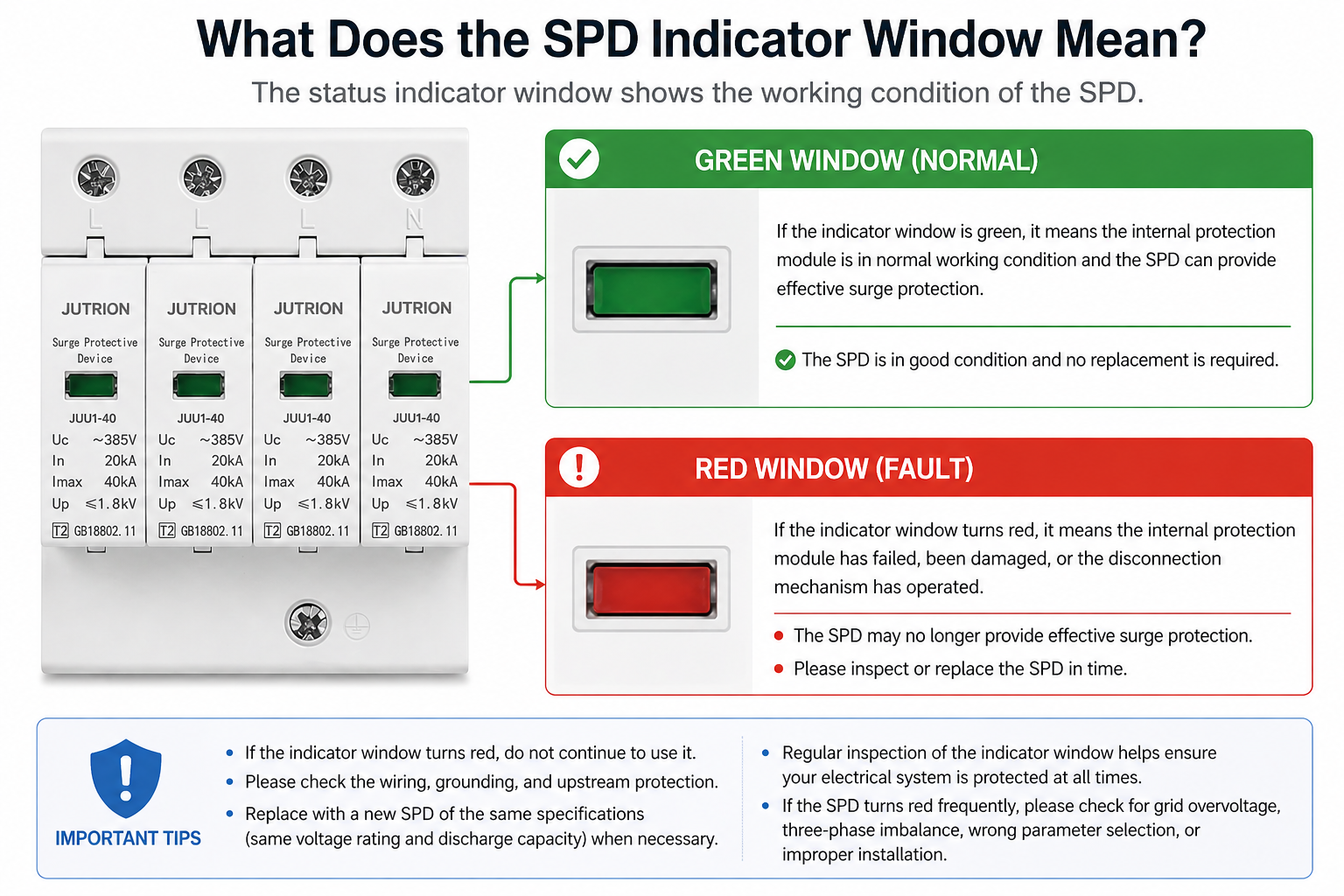
Most SPDs are equipped with a visual status indicator window. The indicator is usually shown in two colors: green and red.When the indicator window is green, it means the internal protection module is in normal working condition and the SPD can provide surge protection.
When the indicator window turns red, it usually means the internal protection module has failed, reached the end of its service life, or the internal disconnection mechanism has been activated. In this condition, the SPD may no longer provide effective surge protection and should be inspected or replaced in time.
A red indicator should not be ignored. It is a warning sign that the SPD is no longer in its normal protection state.
Under What Conditions Will the SPD Status Indicator Turn Red?
The SPD indicator window is normally green, but it may turn red under the following conditions.
When the SPD is affected by lightning strikes or large surge currents:
The internal metal oxide varistor (MOV) or gas discharge tube (GDT) may be broken down or burned out. The disconnection mechanism will then operate, and the indicator window will turn red.
When the SPD has been used for a long time and the internal components have aged or reached the end of their service life:
During long-term use, repeated small surges or long-term voltage operation may cause the internal components to deteriorate. When the components reach the end of their service life, the thermal disconnection device will automatically trip, and the indicator window will turn red.
When the SPD parameters are selected incorrectly:
If the SPD parameters are selected incorrectly, such as choosing a voltage rating that is too low, selecting the wrong protection level, choosing a discharge current rating that is too small, using an SPD that does not match the system type, or mixing AC and DC applications, the SPD may turn red even without a lightning strike. It may also turn red again soon after replacement or become damaged frequently.
When the SPD is installed improperly:
Improper SPD installation may cause problems such as high lead inductance, undersized wires, loose connections, poor grounding, incorrect wiring, poor heat dissipation, or poor module contact. These problems may lead to circuit heating, increased residual voltage, and increased leakage current, which can trigger the thermal disconnection mechanism and cause the indicator window to turn red and fail.
When the installation environment is harsh:
Harsh working conditions, such as high temperature, poor ventilation, humidity and condensation, dust and corrosion, direct sunlight in an enclosed space, strong vibration, or serious interference, can increase the leakage current of the SPD, accelerate internal aging, reduce insulation performance, and cause excessive temperature rise. As a result, the thermal disconnection mechanism may be triggered, causing the indicator window to turn red and fail.
What Should We Do When the Surge Protective Device Turns Red?
When the surge protective device turns red, it means the internal surge protection components have been damaged or aged, and the SPD may have lost its protection function.
The power supply to the distribution panel should be disconnected first. After ensuring the safety of maintenance personnel, remove the failed SPD and replace it with a new SPD of the same parameters, voltage rating, and discharge capacity.
At the same time, check whether the wiring is loose, whether the cable size meets the requirement, and whether the grounding is reliable. Also check whether the upstream protection device has tripped or been damaged.
If the SPD turns red frequently within a short period of time, it is necessary to check for grid overvoltage, three-phase imbalance, incorrect parameter selection, and improper installation. The SPD should only be put back into operation after these hidden problems are removed.
How to Maintain a Surge Protective Device in Daily Use?
Check the SPD status indicator window after thunderstorms.
Inspect the indicator window once a month and keep a maintenance record.
Check the wiring terminals to prevent loose or poor connections. Also check whether the grounding connection is firm, and avoid problems caused by rust, corrosion, or poor contact.
Carry out maintenance according to different protection levels.
1. Type 1 SPD is usually installed at the main incoming line. It should be carefully checked after the thunderstorm season, and inspected or replaced in time after a lightning strike.
2. Type 2 SPD is usually installed in sub-distribution panels or floor distribution boards. Its indicator window should be checked regularly, and the SPD should be replaced in time when it becomes aged or reaches the end of service life.
Once the SPD breaks down and causes a short circuit, or becomes aged and causes leakage current, the upstream circuit breaker or fuse will trip or blow first. This can prevent the SPD from catching fire or damaging the distribution box, and it can also help identify that the SPD has failed. Therefore, regularly checking the upstream protection device is also very important.
FAQs
Q: What will happen if the SPD continues to be used after the indicator window turns red?
A: If the SPD indicator window turns red, the product should be replaced in time. If it is not replaced, and the circuit is later affected by lightning strikes or grid surges, the overvoltage may directly impact the downstream electrical equipment and may easily cause equipment burnout.
Q: Will Type 1 SPD and Type 2 SPD show red indicator windows at the same time?
A: In general, Type 1 SPD and Type 2 SPD will not turn red at the same time. Because they work through a multi-level surge protection coordination mechanism, they are less likely to trigger thermal disconnection and turn red simultaneously. In most cases, they are designed to handle different surge levels and may fail in sequence rather than at the same time.
Q: Is the replacement cost high after the SPD is damaged?
A: No, the cost is not high. Our SPD adopts a modular design. When one module is damaged, only the damaged module needs to be replaced. There is no need to replace the whole device.
When your SPD window flips from green to red, it’s more than just a color change—it means the internal thermal disconnector has physically tripped. Whether it was a massive lightning strike or years of MOV degradation, a red window tells you your equipment is now 99.9% unprotected. Based on my field experience, don't just swap the module; check if the backup MCCB has also tripped to ensure the entire circuit is still healthy.
-
What Is a Surge Protective Device?
2025-10-29 11:05:09 -
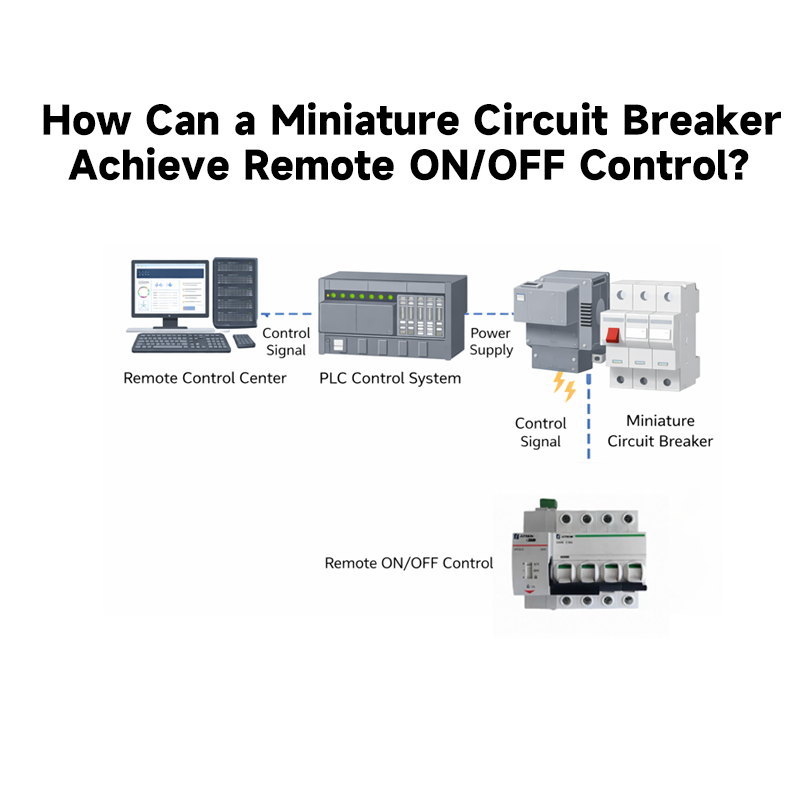
How Can a Miniature Circuit Breaker Achieve Remote ON/OFF Control?
2025-12-29 11:05:09 -
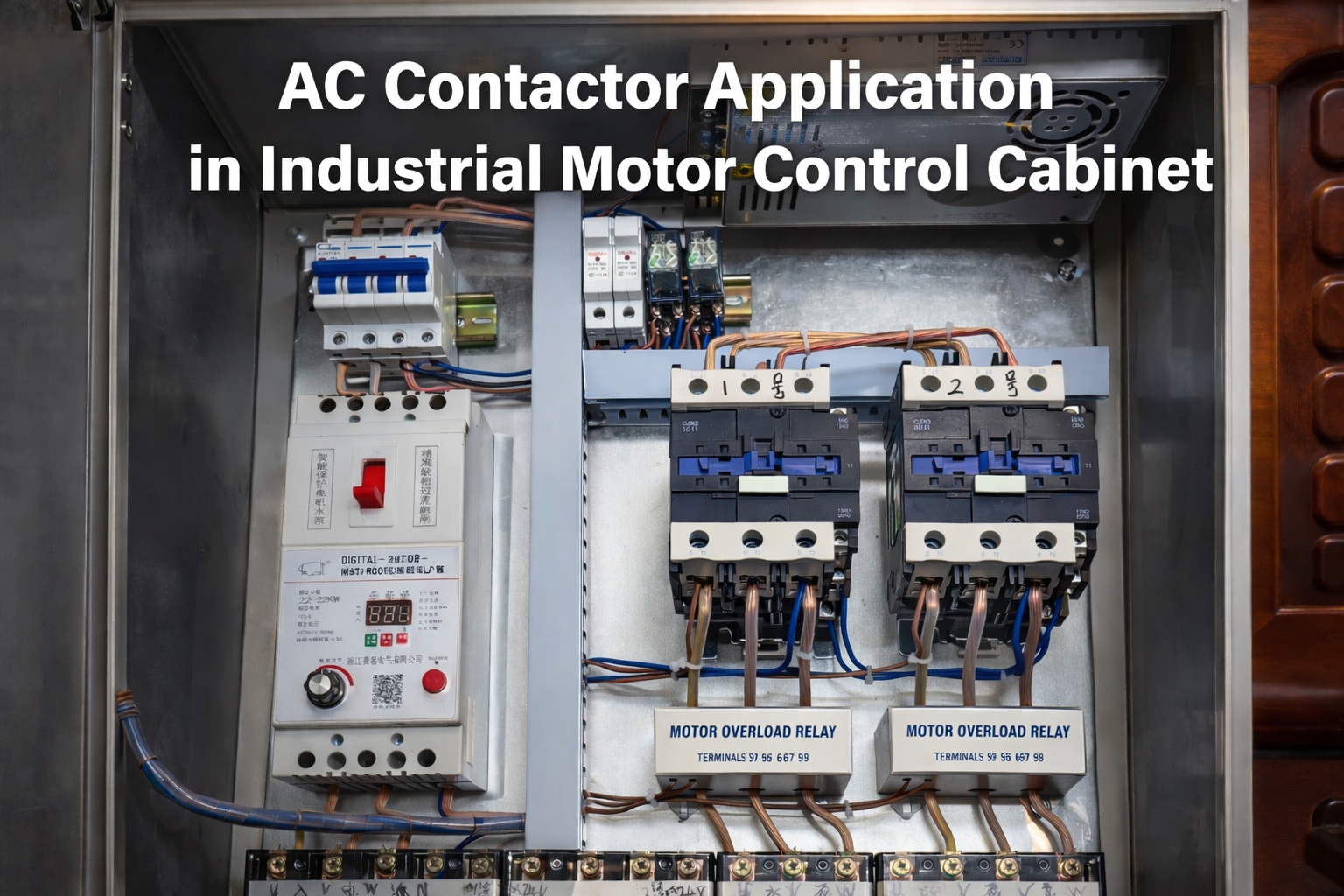
How to Select the Right AC Contactor for Electrical Systems?
2026-01-29 20:26:49 -
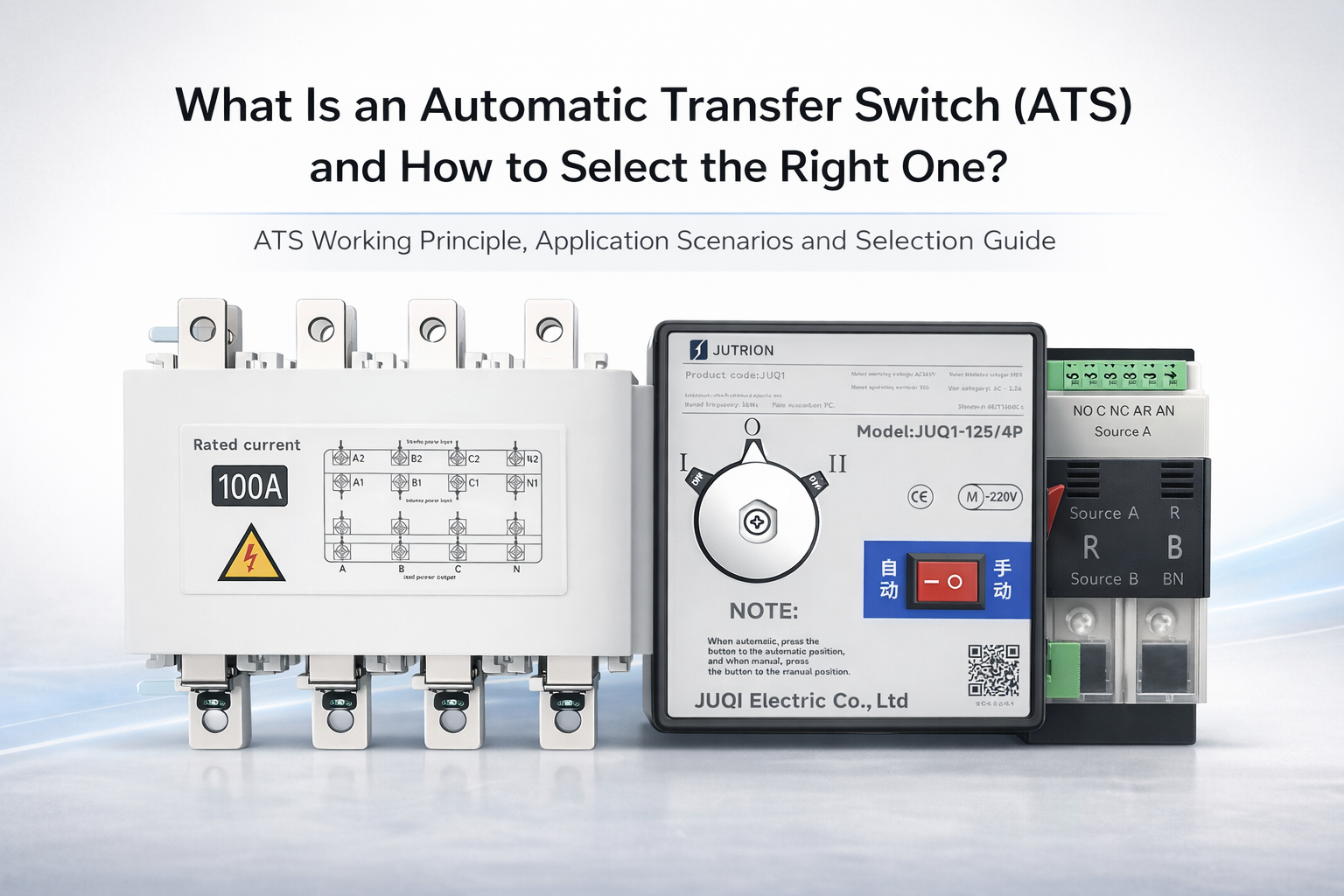
What Is an Automatic Transfer Switch (ATS) and How to Select the Right One?
2025-11-02 11:05:09 -
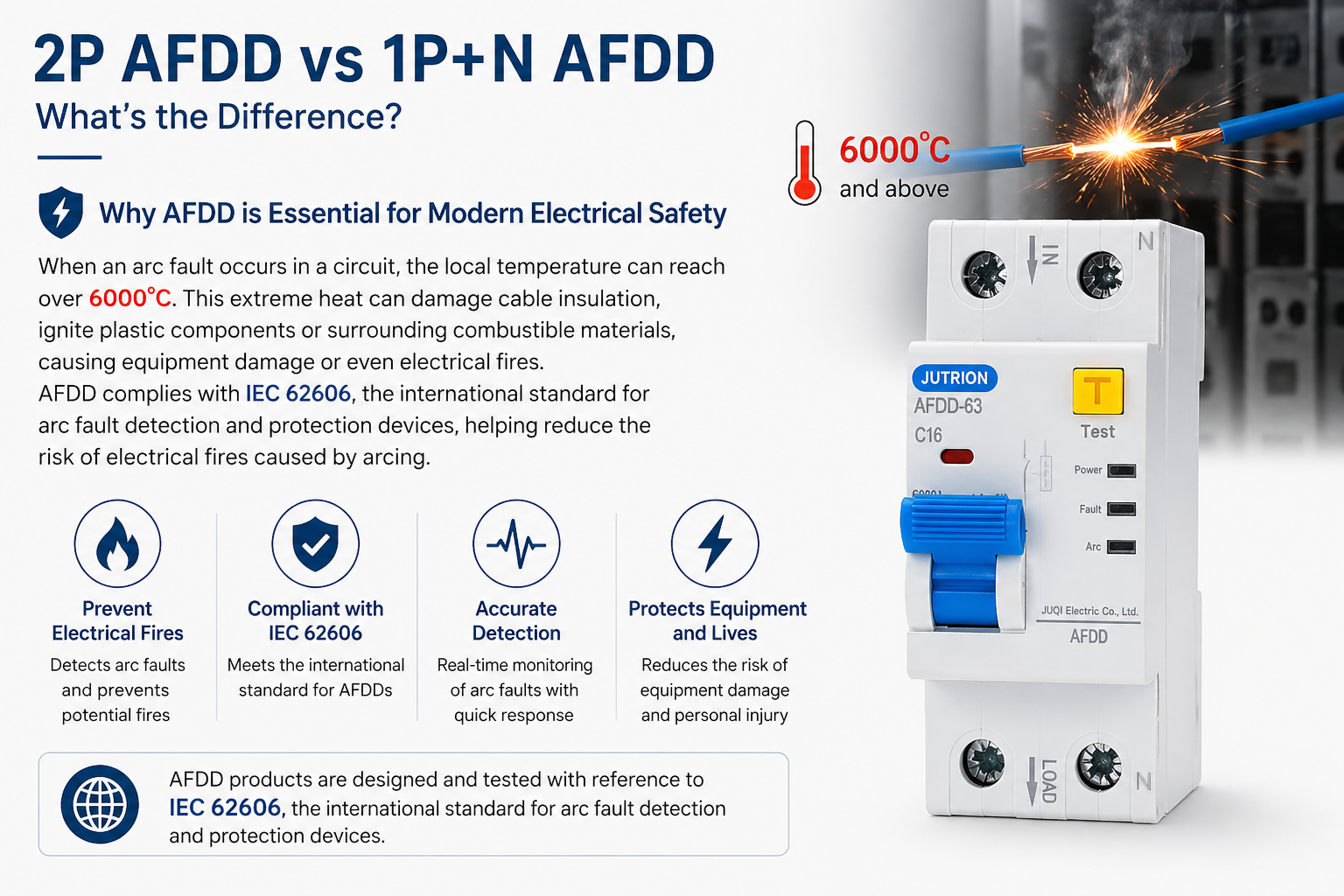
What Is the Difference Between 2P AFDD and 1P+N AFDD?
2026-05-01 15:09:49